A HOME SERVER, WITH AI HELP.
Make computers
personal again.
Turn a spare computer into a server
for your photos, files and apps.
Hermes, your AI assistant, helps you manage it.
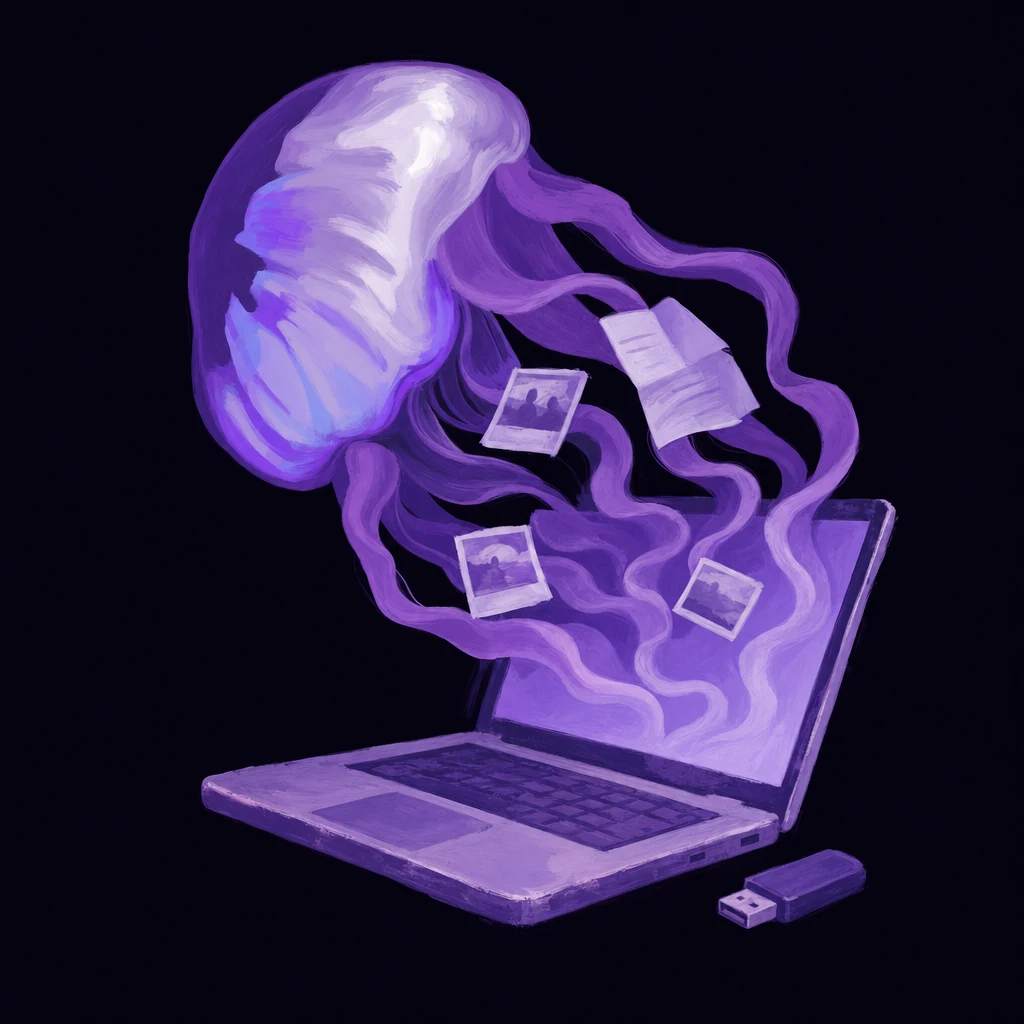
The USB stick gets it started.
Good software.
On your own server.
Everyday apps, running on your computer instead of a company’s servers. Open them from your phone or browser.
And many more: password managers, file sharing, home automation…
Your whole photo library, easy to find.
Back up phone photos and find memories by people or places.
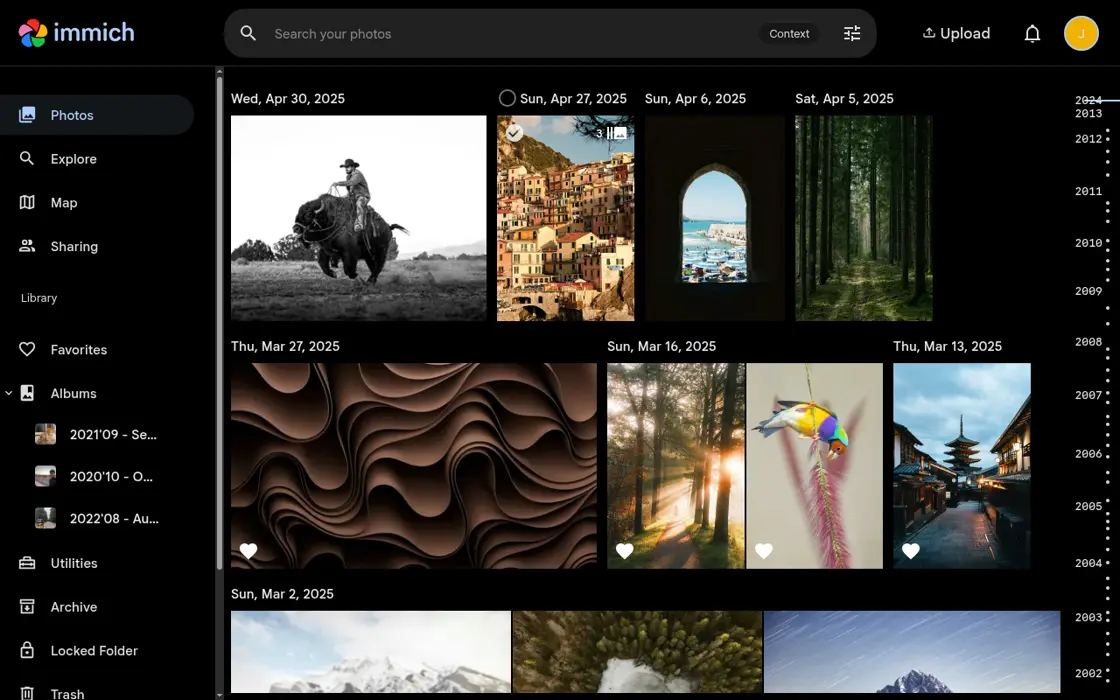
Demo notes & image credit
Immich’s public demo. Choose “Login as demo user”. Please don’t upload personal photos.
Screenshot of Immich’s public demo.
It just keeps
swimming.
Hermes helps you run the server.
Ask it to install an app, check why a service stopped or help with an update.
You still need backups and should review changes.
Ask for what
you want to do.
Ask Hermes a question or give it a task. It can work across the apps you connect.
“How much did I spend at In-N-Out this month?”
What it needs: A connection to your Actual Budget.
Illustrations, not preconfigured integrations. Connections require your permission. Check what a cloud AI provider receives. ↓
Keep your files away
from ad platforms.
Some online services use your data to learn your interests and habits, then target you with ads.
Store your photos and documents on your server instead of giving those companies a copy.
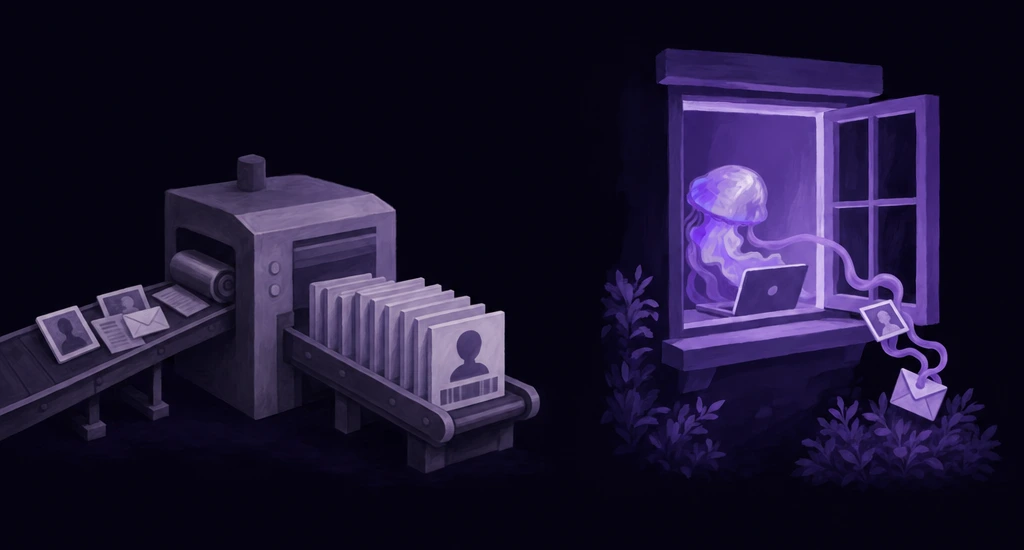
What data still leaves the server?
Apps and cloud AI can still send data to outside services. Here’s how storage, remote access and AI differ.
Stored on your server.
Apps such as Immich and File Browser store their data on your server. You choose what to upload and who can access it. Keeping a separate backup still matters.
- Your phone
- Your home network
- Your server
Local storage does not make every app offline. An app can still contact external services.
Set up
your server.
You need a compatible spare computer and a USB drive. Check the installation guide before you start.
- 01
Prepare the USB
Download ServerStick and write the installer to a USB drive. Back up anything on that USB first.
- 02
Install on the computer
Boot the spare computer from the USB and follow setup. Installation erases the selected drives. Back up the computer before you begin.
- 03
Add your first app
Open the dashboard, choose an app, and try it with a small collection first. Keep your original files until you have a backup.
The computer stays on to serve your apps.
Hardware, electricity and outside services can have costs.